Hello everyone,
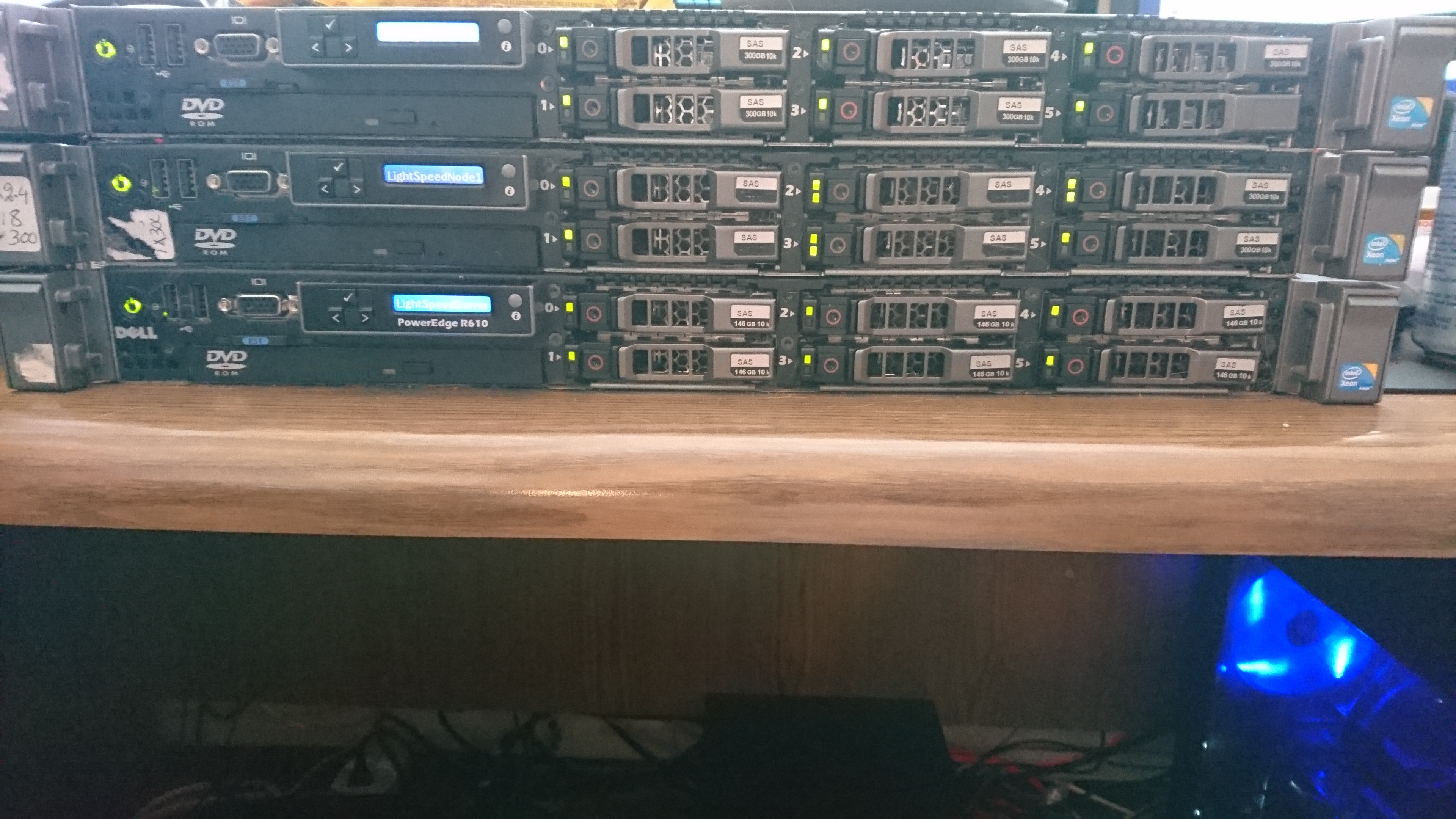
So the journey has lead us to some large scale processing power. Currently the data is stored and collected on the 20 bay (NAS + Expansion) storage solution with a potential of 120 TBs of protected RAID 6 storage and is now processed on a cluster of 3 Dell PowerEdge R610’s each with 9 146 GB 10K RPM 6GB/s SAS hard drives in a RAID 6 array. Each server has two Intel Xeon processors and 48 gigabytes of RAM running ESXi 6 and virtual Ubuntu 16.04 systems.
Rather than having multiple plex servers I have implemented a script made by a fellow Plex user over at the Plex forums that is written in Python and in real time, load balances the transcoding of media being requested on Plex. This way, the burden of transcoding is spread out among 6 physical CPUs for the smoothest playback experience.
Over on the “Is the Server Up” status page you’ll find a new link to the “Cluster Load” page which details the CPU load of each node, the number of processes running, uptime, connectivity, RAM utilization and disk usage and is updated every 5 minutes.
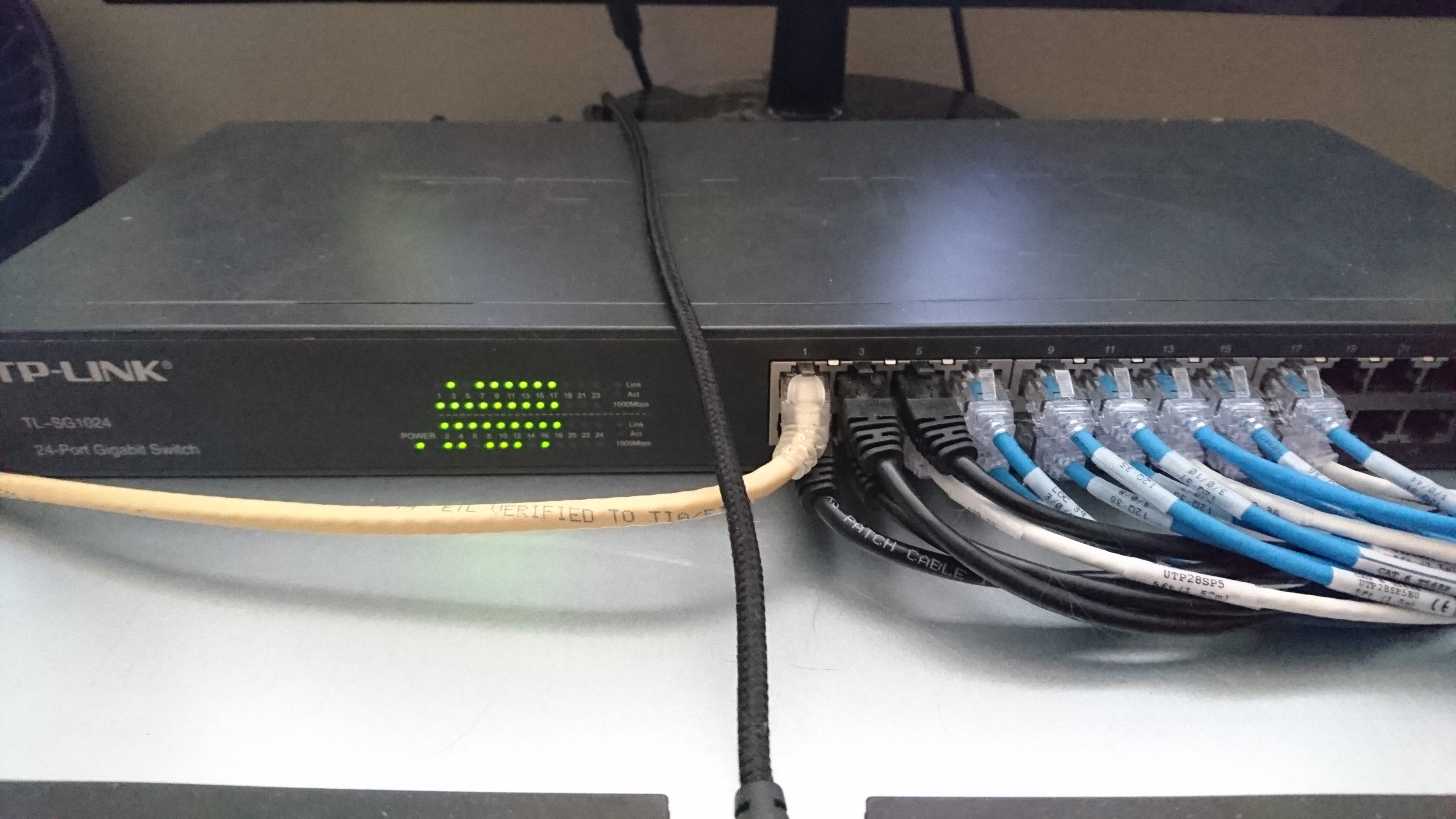
Below are some photos of the new setup.
Enjoy!
The LightSpeed Team